Why I built it

A Markdown editor in a single HTML file

Markdown you can
actually read.

Open, read, edit and create .md files in one place. No more squinting at raw syntax, and no more borrowing another app just to make sense of it.

No install · No account · Nothing leaves your browser

How it works

Write on the left.
Read on the right.

Focus.MD
Squishy Wombat Brain Dump Saved
NewOpenExport
SplitEditorPreview
TextHeadingListBlock
Sync scroll
file.md saved to Downloads
  1. Raw Markdown, exactly as it is
  2. A live preview as you type
  3. Sync scroll keeps both sides in step
  4. Formatting in four menus
  5. Your last 20 files, saved in the browser

The problem

Markdown is everywhere.
Reading it shouldn't take two apps.

Meeting notes, specs and research summaries from every AI tool arrive as Markdown. Then the friction starts.

1

Raw syntax gets in the way

Your eye lands on hashtags and asterisks before it reaches the meaning. Drag the handle to see the same file, readable.

# Kickoff notes
Met with **design** and eng.

## Decisions
- Ship the *toolbar* redesign
- Title moves to the `topbar`

## Next
- [x] Share the spec
- [ ] Book a usability test

Kickoff notes

Met with design and eng.

Decisions

  • Ship the toolbar redesign
  • Title moves to the topbar

Next

  • Share the spec
  • Book a usability test
Raw Focus.MD
2

Editing means borrowing another app

To read, review or fix one file, you bounce between tools that were never built for it. Every round trip costs a few minutes.

  1. Open it in a code editor
  2. Paste it into a notes app to read
  3. Make your edits there
  4. Copy it back
  5. Fix the formatting that broke

Or open it in Focus.MD, and you're done.

One place

Everything you do with Markdown,
without leaving the page.

SplitEditorPreview

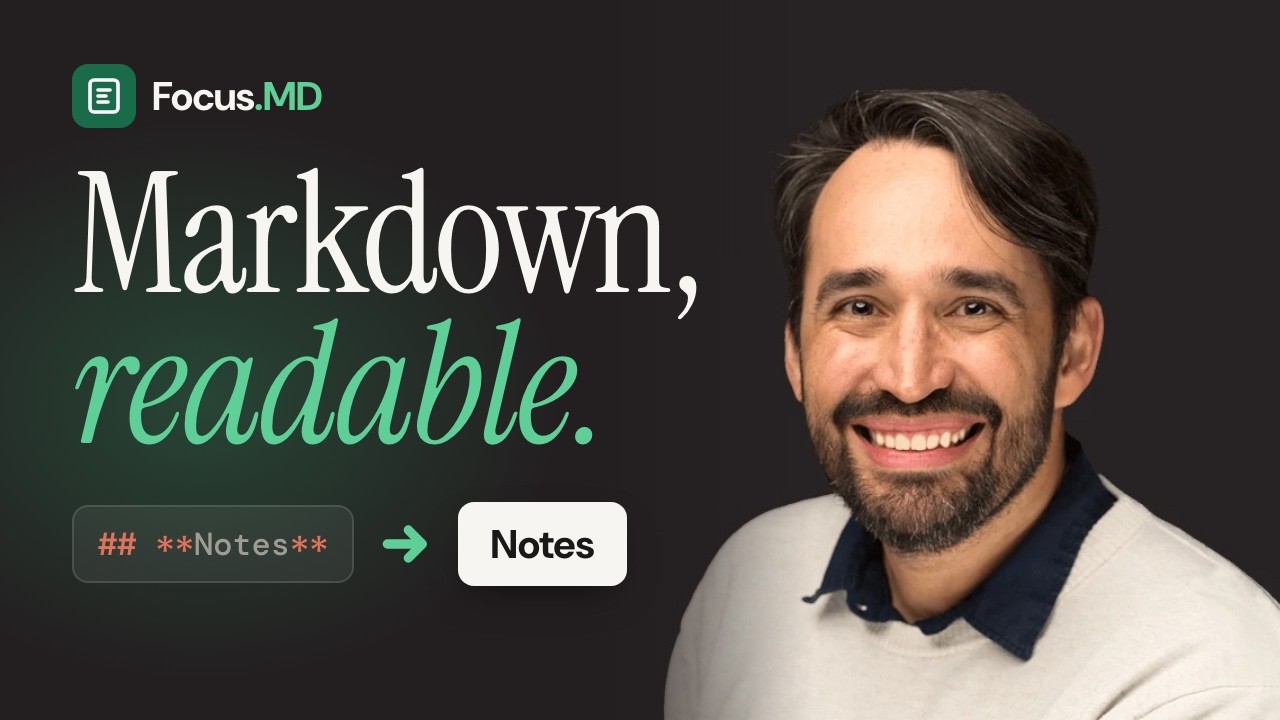
Watch the walkthrough

See Focus.MD in action.

An 8-minute tour: why I built it, and every feature from split view to exporting your file.

Jump to

Watch on YouTube
"I kept copying Markdown into other apps just to read it, then copying it back to edit. Two minutes every time, thirty minutes a day. So I built the thing I needed."
Ronald Rosales Ronald RosalesSenior Product Designer, builds with AI

Private by design

No service in the middle.

One file

The whole editor is a single 120 KB HTML file. Double-click it and it opens in your browser.

No account, no server

Nothing to sign up for and nothing to sync. Your documents live in your browser's local storage.

Your files stay yours

Open .md, .markdown and .txt files, and export clean .md files whenever you want them.

FAQ

Good questions.

Do I need to install anything?

No. Focus.MD is a single HTML file. Download it, double-click it, and it opens in your browser like any web page.

Where are my documents stored?

In your browser's local storage, on your computer. Nothing is sent to a server. Clearing your browser's site data clears your history too, so export anything you want to keep.

What files can I open?

.md, .markdown and .txt files. Use the Open button, press Ctrl+O, or drag a file onto the editor.

Does it sync between devices?

No, and that's on purpose. Focus.MD is local-first. To move a document, export it and open it wherever you need it.

What's coming next?

A focus mode that hides everything until you hover, a status bar with word count and cursor position, PDF export, and syntax highlighting in the editor.

Read Markdown
like a human.

One file. Double-click it. Start writing.

focus-md.html · 120 KB

Thanks for scrolling all the way down

There’s more where this came from.

I design products and build them with AI. See the rest of my work, listen to the podcast, or read the blog.

Visit ronaldrosales.com
Hi, I’m Ronald
© 2026 Ronald Rosales Back to top

Coming soon · Early access

Be the first to actually read it.

Focus.MD is getting its final polish. Join the waitlist and the download lands in your inbox before the public release.

One email when it’s ready. No spam, ever.

Lets create something great together